AI automation services in New Jersey AI takes the repeat work off your team. A person approves what matters.
Digikor Media's AI automation services take on the work your team repeats every day: answering the same customer questions, copying details between systems, sorting the inbox and sending follow ups. We build it into the tools you already use.
One team for the apps, websites and AI inside them. One fixed quote after the call and the plan.
A small New Jersey company, founded in 2015. Serving New Jersey, New York and beyond.
Request received.
Reply prepared.
Waiting for your approval.
The repeat work AI can take off your team
Before you hire for a growing backlog, look at what fills it. Answering the same question, retyping the same details and remembering the next follow up are jobs an AI workflow can take on. Your team gets that time back for the customers who need a person.
We start by following the work you already do: where a request arrives, what someone checks and where the answer goes. Show us the task that keeps interrupting everything else.
What are AI automation services?
AI automation services connect AI to business processes so it can handle repeated steps using the right information and tools. Digikor plans and builds those workflows around your daily work. We define the task, connect the systems and include the points where a person reviews the result.
Answering the same customer questions
A customer asks what to bring to an appointment. Someone finds the instructions, copies them into an email and adjusts the greeting. A workflow can prepare that answer from your approved information and put it in front of the person who sends it.
Copying details from forms into your records
A form arrives, then someone enters its contents into the customer record. We look at which fields can move directly and which need interpretation or a check. CRM automation should leave your team with a usable record, ready for the next task.
Sorting the inbox and passing each message on
A new inquiry, an existing customer's question and a supplier message land together. AI can read the requests and route them by the rules you set. Unclear messages need an assigned person, too.
Sending the follow ups nobody remembers
A request waits for a document, and nobody remembers to ask again. A workflow can track that step and prepare the follow up. It also stops on its own when the customer replies or the request is closed.
AI for small business: start with one repeated task
The best first job has a clear beginning, a clear finish and information your team trusts. Pick work you can recognize when it is done well, and we use those details to work out where automation belongs.
How can AI be used for small businesses?
AI can help small businesses read incoming messages, sort requests, prepare answers and move work toward the next step. For Digikor, the starting point is your team's routine. We connect the useful capability to the information, tools and approvals that routine needs.
What should we automate first?
Start with the repeated task that consumes attention and has a result someone can check. Bring a recent example, the information used to handle it and the finished response. Include an awkward example, too.
If every request needs a different judgment from the owner, narrow the job. Preparing the information for that judgment may be the useful first workflow. The owner still decides, with the reading and sorting already done.
Agree on what you will measure before building. That could be fewer details entered twice, less time preparing a reply or fewer requests waiting without an assigned person. Use your own starting point to judge the change.
A person on your team approves before anything is sent
AI prepares the reply; someone on your team checks it and decides whether it goes. Here is one customer request handled two ways: when the answer is in your files, and when it is missing.
Can you give me an example of an AI workflow?
A customer asks for appointment instructions, the workflow finds the approved checklist and AI drafts a reply for a person to review. After approval, the workflow sends the reply and records the action. If it cannot find the checklist, the request goes to a person for help.
Incoming request
Please send the preparation checklist for my appointment.
When the answer is on file
Source found: the approved appointment checklist
Reply drafted for reviewHere is the preparation checklist for your appointment. Please let us know if you have any questions before you come in.
A staff member reads the reply and approves it
After approval: the reply is sent and recorded
When the answer is missing
No approved checklist found
No reply is drafted
Staff action needed: choose the correct instructions
Nothing is sent
Planning that second path is part of AI workflow automation. We decide with you where the work stops, what the person sees and how they take over, so your staff see the request and the reason it needs them together.
When a simple tool, or doing it yourself, is enough
For a simple, well-defined task, an AI assistant or an existing automation tool is often the right choice. An agency's workflow FAQ makes the same distinction: an existing platform can be faster and more cost-effective for straightforward processes. We agree, and we say so when that fits your job.
AI is not needed when a fixed rule already describes the whole task. Moving a completed form into a record or triggering a reminder on a set date may call for ordinary automation. Use AI for the part that needs to interpret a message or prepare language.
“Not every workflow needs AI. Simple, rule-based steps are often better served by straightforward automation.”
Yes, you can handle a defined task yourself with an AI assistant or an automation tool. You may already have a useful setup. Bring it into the conversation so we can understand what works and what still needs your attention.
The question is who takes responsibility for the whole routine. Someone has to choose the steps, connect the accounts, decide what customer data can pass through and check the output. Someone also has to notice and fix a broken connection.
If you want to own that daily work, a tool may be enough. If you want a team to plan and build the workflow around your business, that is where Digikor comes in.
We build the AI into the tools you already use
Digikor plans, designs and codes custom web apps, custom websites and the AI workflows inside a business. The same team can work on the form your customers fill in, the screen your staff use and the connection between them. Your staff get the AI where the task already happens, not in another app.
Take a website inquiry that needs an answer from your customer records. The useful result is a reply your team can review right next to the request. If someone still had to copy information into another login, part of the job would be left with them.
Our AI integration services start by examining how your current tools share information. We check the available connections, the records involved and the permissions needed. That work belongs in the plan before we agree on the build.
What do AI automation agencies do?
AI automation agencies plan and connect workflows that use AI to carry out business tasks. With Digikor, the work includes building the agreed connections and review steps, then testing them on real examples. You hire the team that implements the plan.
Which AI automation agency is best for small businesses?
The best fit is one that can explain your workflow, show relevant work and define who handles the build and support. Ask us to follow your request from arrival to completion. The conversation should cover the source information, approval and failed connection as clearly as the AI's answer.
If the workflow needs a staff dashboard, we can discuss a custom web app. If it starts with a public inquiry, we can connect it to a custom website. Both belong in the same conversation about how your business works.
You decide what customer data the AI can see and change
Customer data, staff access and approval rules are part of planning an AI workflow. We work through what information the task needs and who may see the result. Privacy affects the connections as well as the screen.
What it may read.
A workflow answering appointment questions needs the approved instructions. Decide whether it also needs a customer record, and which details from that record are relevant. Access should follow the job.
What it may change.
Preparing an update and saving it to a customer record are different permissions. We define which actions happen automatically and which wait for approval. Your team should know what an approval will actually do.
Where the information goes.
We discuss the services that receive data, the information they retain and the people who can access it. Those choices belong in the scope of a workflow built to privacy rules such as GDPR. The plan should make the path of customer information understandable.
What should you never use AI for?
Never give AI the final say on a commitment your business has reserved for a person. A discount, refund or exception to your service policy can wait for staff approval. We set that boundary with you and build the review step into the workflow.
How we test the workflow before your team relies on it
We check the workflow against your business information and examples of the work it must handle. A convincing sentence is only one part of the test. The answer also needs the correct facts, the correct customer and the correct next action.
Agree which documents it uses.
We identify the approved information the workflow should use, such as service instructions or internal procedures. If two documents give different answers, settle which one governs the task. That decision becomes part of the plan.
Test an everyday request.
Give it a question your staff answers regularly. Check the details it uses, the response it prepares and where the result appears. Follow the task through to the record or reply your team needs.
Test a request it cannot finish.
Leave out a detail, ask something outside the approved information or give it conflicting instructions. Check whether it sends the work to the right person. A clear handoff is the intended result for that case.
What can an AI agent do for my business?
An AI agent can carry out a sequence of permitted tasks, such as reading an inquiry, finding relevant information and preparing a response. We define its job and the actions it may take. Your business rules determine when it continues and when a person takes over.
Our latest AI projects
Translatetify and Sprintflow are our latest projects with AI at their core. One prepares translations for software; the other answers calls for an appointment business. In both, the AI is one step inside a longer job that has to be finished.
translatetify.ai/features
Translatetify
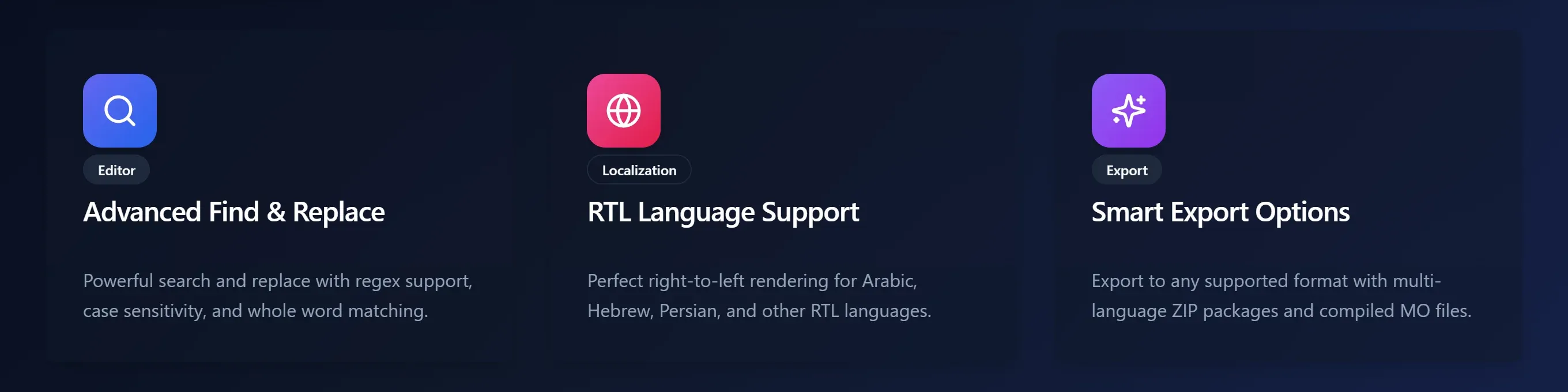
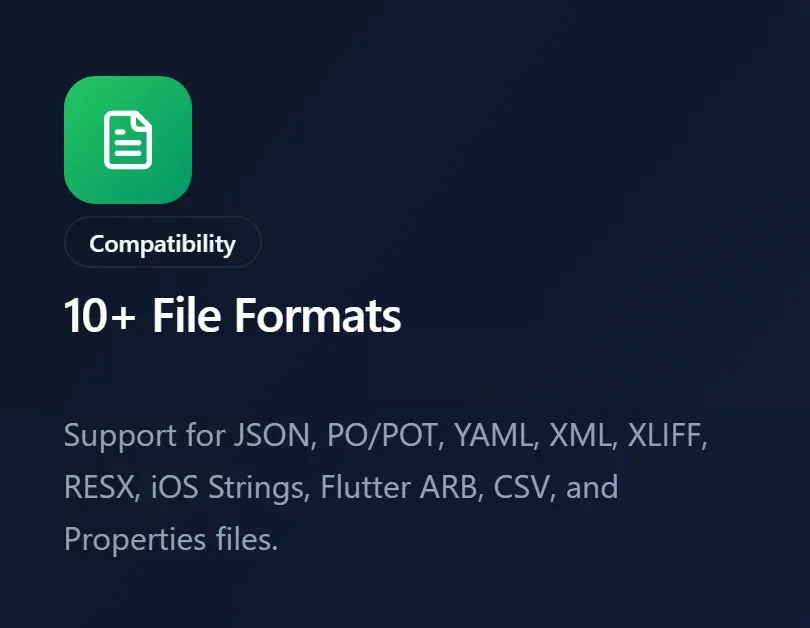
Translatetify lets developers upload localization files, translate the text with AI, edit the translations and export the results. Its features page lists formats including JSON, YAML, XLIFF and iOS Strings, plus support for right-to-left languages.
The editor includes search and replace. Export options include packages containing several languages. Translation sits inside a workflow that begins with a file and ends with text ready to take back into the developer's work.
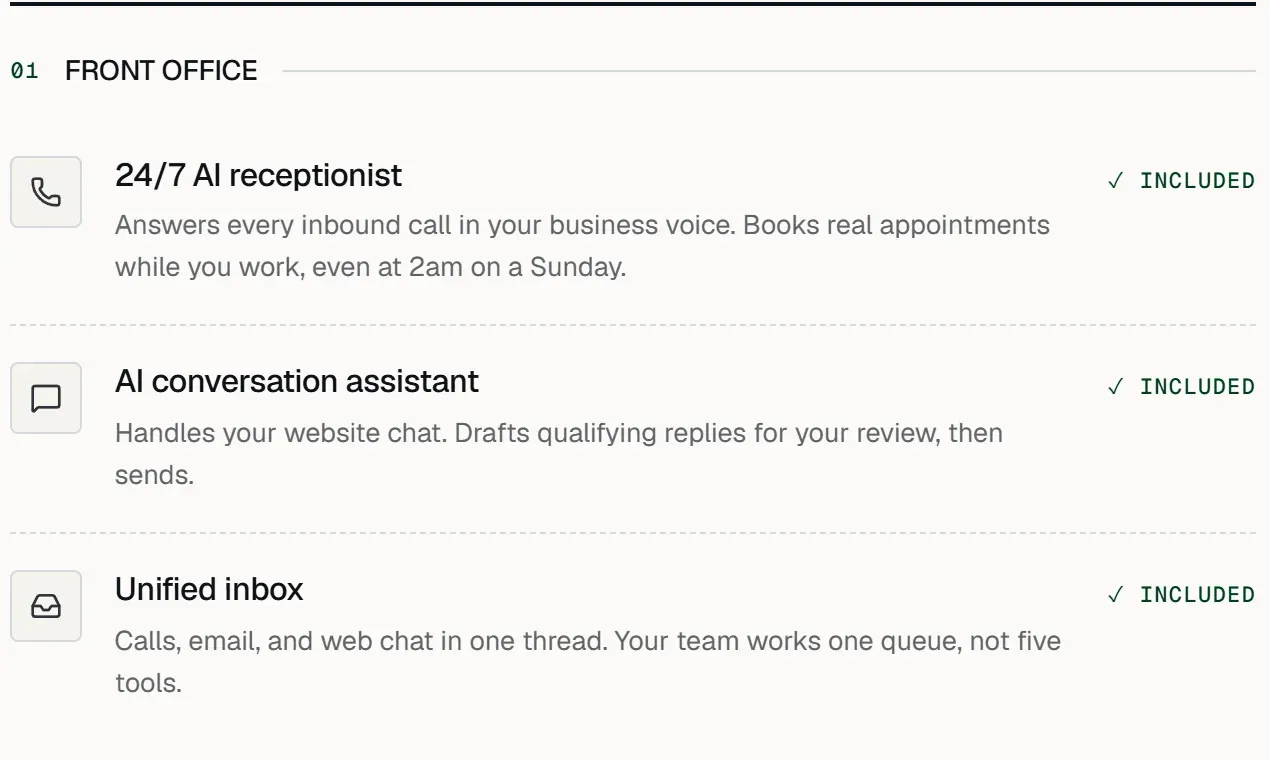
Sprintflow is an AI receptionist service for businesses that run on appointments. Its site describes answering calls and customer questions, booking into a calendar, requesting Google reviews and keeping contacts and conversations in a shared inbox.
Its website chat can draft replies for review before sending. The phone, calendar and customer record form part of the same service. The project shows how an AI conversation connects to work the business needs to finish.
An AI receptionist is worth considering when routine calls involve clear questions, booking rules and a defined route to a person. List the calls it should handle and the ones staff should take over. Use those examples to judge whether the service fits your business.
We turn the routine you show us into an agreed plan before building. You can see what the workflow will handle, what your staff will approve and which systems are involved. The build follows that scope.
On the free call, show us a recent task
On the free call, explain the work and where it gets stuck. An example of an incoming request and its finished response gives us something concrete to discuss. Tell us who handles it today and what keeps pulling them back into it.
Review the plan before you decide
We map the steps, source information, connections and approval points. We also identify what should happen when a request cannot continue. You review the proposed work before deciding on the build.
Test it with the staff who will use it
We build the agreed workflow and test it on examples of your work. Your staff checks what arrives for review and how to handle an exception. Their knowledge of the daily routine helps us check the result.
How long does it take to set up?
Timing depends on the steps, connections, information and testing the workflow requires. We discuss the schedule against that scope before the build. Tell us about your business deadline and who will be available to provide access, answer questions and review the work.
What AI automation costs: one fixed quote for the agreed build
A reply drafted from an approved checklist is a different project from a workflow that reads several systems and changes customer records. The scope needs to describe that difference. We work through it with you before putting a price on the build.
How much does an AI automation cost?
Digikor gives you one fixed quote after the free call and the plan. That quote covers the agreed build. Review it against the tasks, connections, approval steps and testing you expect the workflow to include.
How much does it cost for AI integration?
AI integration cost depends on the systems involved and what the workflow must read, write or trigger in each one. An existing connection and a custom connection require different work. We establish the approach while planning your project.
How much does AI cost for a small business?
The budget includes building the workflow and the services needed to run it. We discuss expected usage, tool charges and support alongside the quote. You should understand the running needs before deciding to proceed.
If the workflow is part of a larger app, scope the app screens and the AI together. Our guide to what affects app cost explains that wider build conversation.
Support after launch, when your business changes
Support for AI workflows is discussed with the quote. We work through who handles fixes, updated source information and changes to the routine. Set those responsibilities while the workflow is being planned.
A new service may need different instructions. A staff change may mean a different approver. A connection that stops responding needs someone who can trace where the task stopped and get it moving again.
What happens after it goes live?
The next steps follow the support arrangements agreed with your quote. Discuss coverage for broken connections, accuracy checks and changes before launch. Bring new requirements back to Digikor so we can define and price the work before starting it.
If inquiries come from digital marketing, keep the offer and the workflow's instructions aligned. A new campaign may change what customers ask and which follow up makes sense. The answer they receive should match the reason they contacted you.
Tell us which task you want to hand off
Bring the tools you use and an example of the task. You do not need to arrive with an AI plan.